Agent Review Dashboard
Review verification runs submitted by AI coding agents.
Comparison toggle in image preview
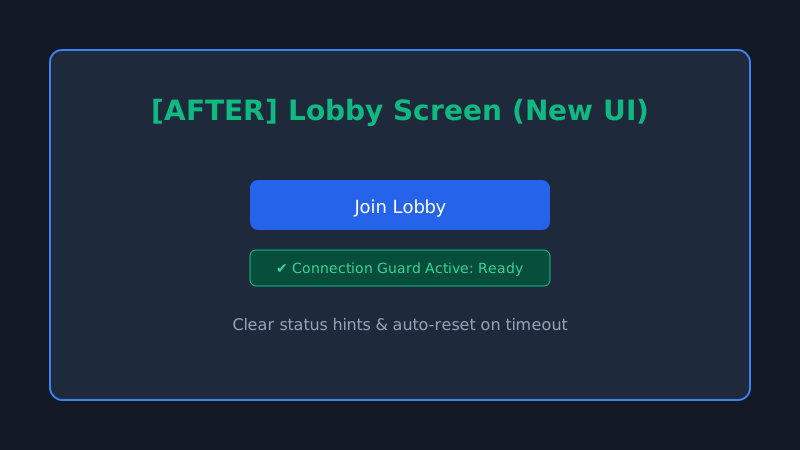
20260722-143045-comparison-toggle-in-image-previewComparison images now open the normal enlarged preview when clicked, while dedicated controls can switch between before and after both inline and in the enlarged preview. Try the interactive comparison below: use Toggle to switch in place, or click either image to enlarge it and use Show before / Show after inside the preview.
3D hub ON AIR doorway visual-block fix
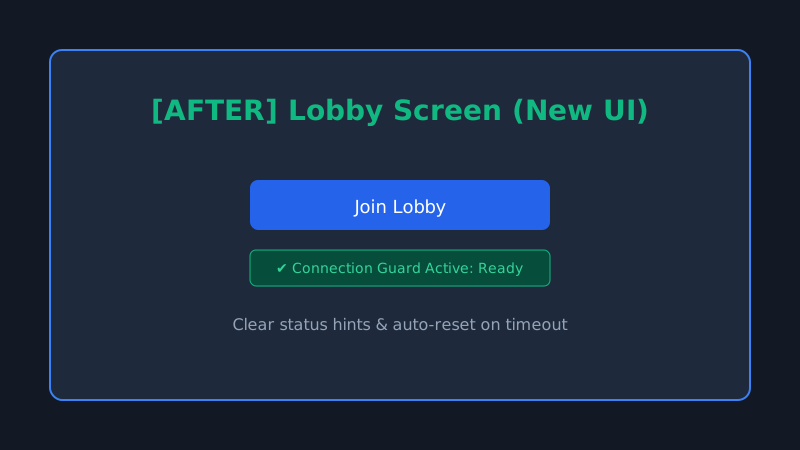
20260718-135825-doorway-fix-exampleA user reported: "I can walk from the spawn point toward the hub, and visually there's a wall blocking the way, but my character can just walk straight through it." Used Blender ray casts to track down two separate layers of the same bug: - The studio's circular wall geometry left only a ~0.02m visual gap at the doorway (the actual frame opening is 2.85m wide), welding the upper half of the doorway shut - A shorter wall base (Studio_BaseA/Studio_BaseB) plus a decorative pipe ring (D_Hall_PipeRing) sealed off the lower, waist-height half of the same doorway Godot's collision shapes were hand-authored separately and already left enough of a gap, so walking through worked fine the whole time — that mismatch between visual geometry and collision geometry is exactly why it "looked like a wall but you could walk right through it." Deleted the extra geometry from both layers and re-exported the glb, then verified with 40 fresh screenshots rendered on the machine's own local display (DISPLAY=:1, not an SSH-forwarded one) — the doorway is now fully clear, with both ON AIR door panels open symmetrically. Along the way, also fixed a real but minor camera bug: the follow camera's SpringArm3D had a one-frame snap-to-face glitch at the same threshold, now smoothed out.
Fix remote lobby and main menu UI (Demo)
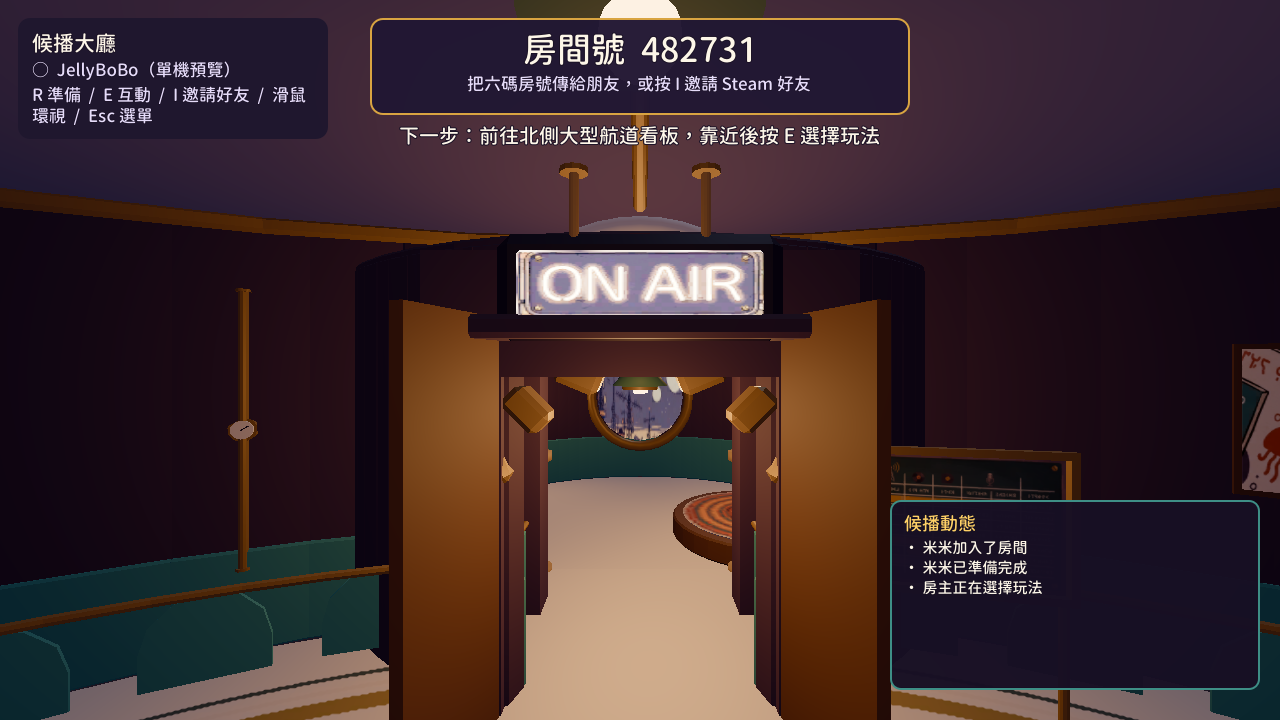
20260718-120000-example-ui-changeThis is a sample review run for Agent Review Template. It's a fake lobby connection and UI fix used to demonstrate what the site can render: - A compare view (Before/After lobby status indicator) - A single image view (main menu) - A gallery view (multi-step join flow) - An automated_test check and a needs_human check side by side This paragraph, and the bullet list above it, are also demonstrating the summary formatting every review run gets: blank lines start new paragraphs, - renders as a bullet list, and backticks like verification: human render as inline code chips instead of breaking the layout.